
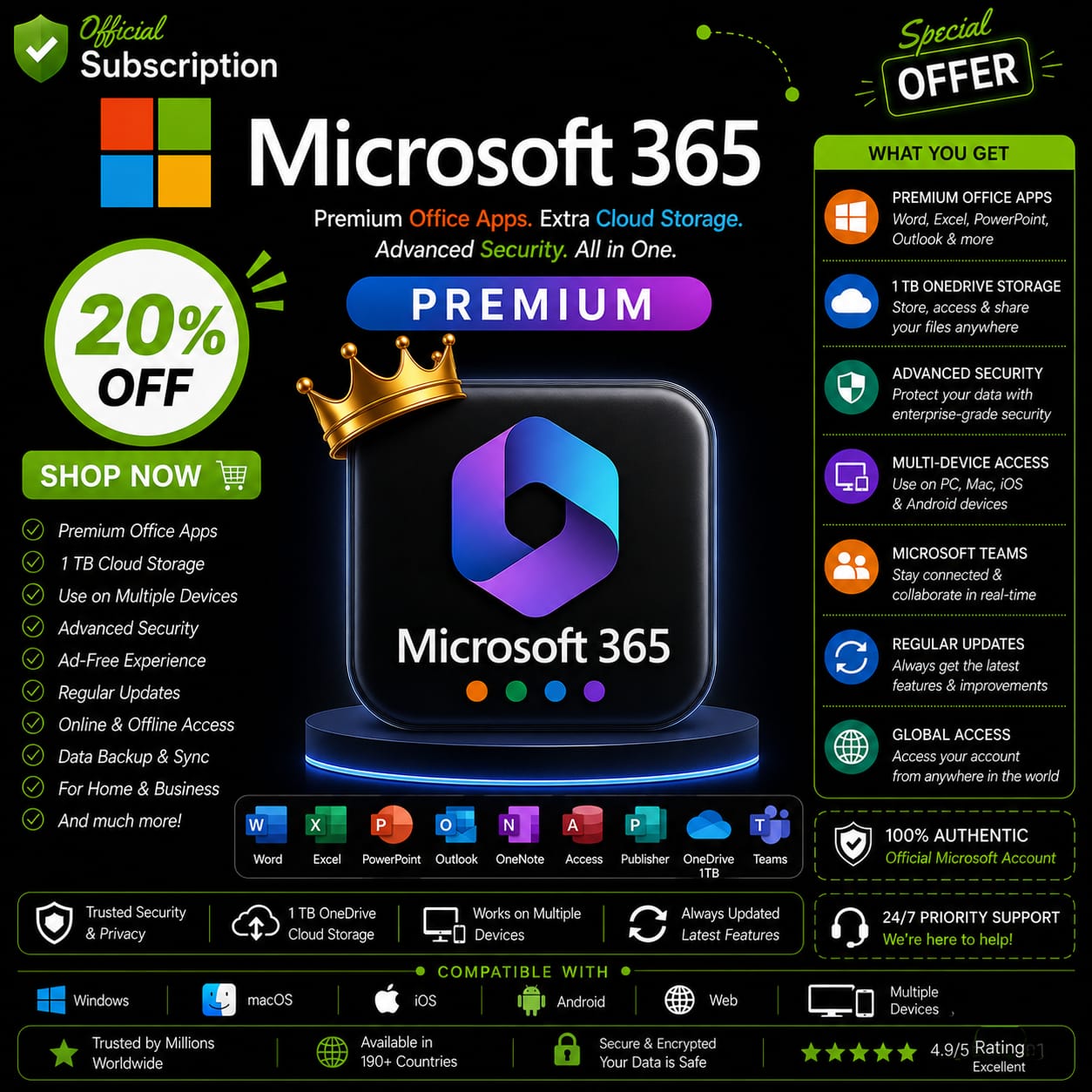
Microsoft 365 Subscription | Microsoft Office 365 Family 1 Year Subscription
🎯 Key Premium Features
-
Premium Office Apps: Install the latest, fully updated versions of Word, Excel, PowerPoint, OneNote, and Outlook with both offline and online functionality.
-
Massive Cloud Storage: Receive 1TB of highly secure OneDrive cloud storage per user (6TB total) for seamless document syncing, photo backups, and file sharing.
-
Up to 6 People: Share your subscription easily and securely with up to 5 other family members, friends, or team members at no extra cost.
-
Cross-Platform Support: Works flawlessly across multiple operating systems, including Windows PCs, MacBooks, iPads, iPhones, and Android devices.
-
Advanced Security: Protect your digital life with Microsoft Defender, offering advanced phishing and ransomware protection for your files and emails.
⚖️ Office 2021 (One-Time) vs. Microsoft 365 Family Subscription
| Feature | Office 2021 (One-Time Buy) | Microsoft 365 Family |
| App Updates | Locked to 2021 features | ♾️ Always the latest version |
| Number of Users | 1 PC or Mac | 👨👩👧👦 Up to 6 People |
| OneDrive Cloud Storage | None (Local only) | ☁️ 6TB Total (1TB per user) |
| Multi-Device Support | 1 Device strictly | 📱 PC, Mac, Tablet, Mobile |
| Ransomware Protection | No | 🛡️ Yes (Advanced Security) |
❓ Frequently Asked Questions (FAQs)
Q: Is this a shared account or an official Microsoft 365 subscription?
A: We provide a 100% official activation. This is not a pre-made shared email login. You will activate the subscription directly on your own personal Microsoft account (Outlook, Hotmail, or Live), ensuring total privacy for your files and emails.
Q: How do I invite others to my Microsoft Office 365 Family 1 Year Subscription?
A: Once the subscription is active on your primary email, you can simply send an invitation link from your Microsoft account dashboard to 5 other people. They will accept it using their own personal emails, unlocking their individual 1TB storage and app access privately.
Q: Can I download and use the Office apps offline?
A: Absolutely! The subscription allows you to download and fully install the desktop versions of Word, Excel, PowerPoint, and Outlook on your PC or Mac. You can work completely offline without needing an active internet connection.



Reviews
There are no reviews yet.